

Like Achilles’ vulnerable heel despite his otherwise invincible body, your Raspberry Pi has security weaknesses that demand attention. You’ll face numerous threats when connecting your Pi to networks, from brute force attacks to malware infections. By hardening a Raspberry Pi, you can transform this versatile device into a fortress of digital security. The strategies you’ll discover won’t just protect your Pi—they’ll safeguard your entire network and the sensitive data flowing through it.
Key Takeaways
- Update your system regularly using `sudo apt update` and `sudo apt full-upgrade` to patch security vulnerabilities.
- Replace default credentials and implement SSH key authentication while disabling direct root logins.
- Install and configure a firewall with UFW or iptables to restrict network access.
- Secure the boot process by enabling firmware verification and physically restricting device access.
- Implement fail2ban to monitor login attempts and automatically block suspicious IP addresses.
Essential System Updates and Patch Management
While maintaining ideal security for your Raspberry Pi requires multiple strategies, keeping your system and firmware current through regular updates is the foundational element that can’t be overlooked. Run `sudo apt update` followed by `sudo apt full-upgrade` at least monthly—weekly for devices handling sensitive data.
Implement patch scheduling to prioritize critical security fixes promptly. Set up update automation with cron jobs, but maintain manual oversight for security-critical systems. Regular maintenance ensures a secure and stable Raspberry Pi. Updates will also provide performance optimizations that improve your system’s overall efficiency and reliability. Additionally, leveraging community-driven regular updates can enhance your device’s security posture.
Schedule critical security fixes proactively while automating routine updates—never compromising oversight for convenience.
Don’t forget firmware updates via `sudo rpi-update` to guarantee kernel-level protections remain current.
With over 60% of breaches linked to poor update practices, timely patching greatly reduces your vulnerability. Monitor security bulletins and Raspberry Pi OS release notes to stay informed about emerging threats that could compromise your device.
User Authentication and Access Controls
Securing your Raspberry Pi effectively requires robust user authentication and access controls, which form the second core defense layer after system updates.
Modern Raspberry Pi OS installations prompt for custom credentials during setup, eliminating the insecure default “pi/raspberry” combination from older versions. Remote management can be enhanced by implementing stringent password policies for all user accounts while setting up proper user roles and access privileges.
Replace password-based SSH authentication with key-based methods by enabling `PubkeyAuthentication` and disabling `PasswordAuthentication` in your SSH configuration. You can verify successful key setup by checking if your .ssh/authorized_keys file contains your public key information.
For thorough account management, disable direct root logins by setting `PermitRootLogin prohibit-password` and enforce administrative tasks through sudo.
Configure VNC with strong authentication if remote desktop access is needed. For enhanced security, set your VNC server to use RSA-AES authentication which provides encryption for your remote connections.
Regularly audit user permissions, removing unused accounts and restricting file access permissions to minimize your attack surface.
Securing SSH and Network Connections
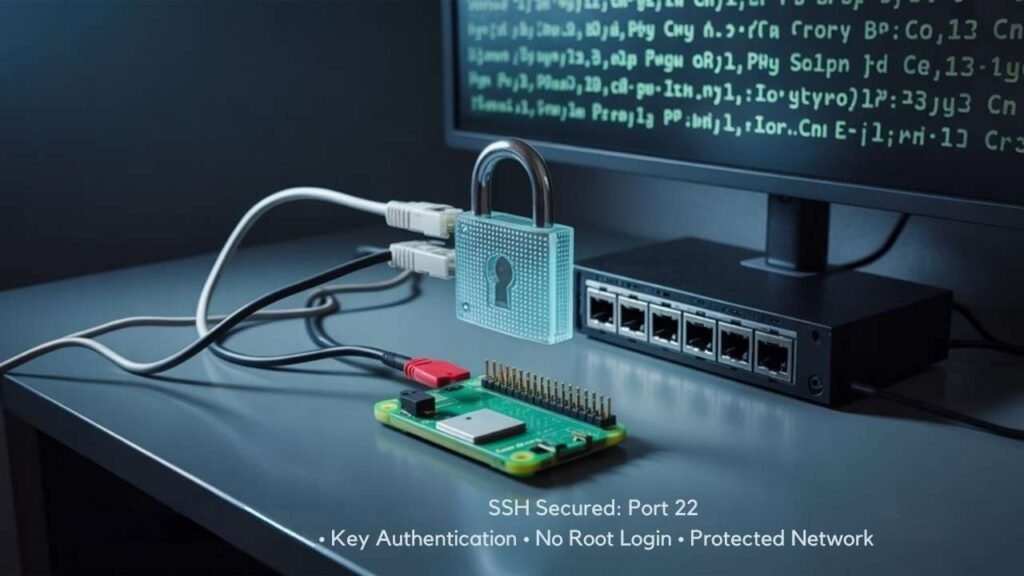
SSH connections represent a primary entry point for attackers targeting Raspberry Pi devices, making their security essential to your overall hardening strategy.
Securing SSH access isn’t optional—it’s the front door attackers will try first on your Raspberry Pi.
Implement SSH best practices by immediately changing default credentials and implementing key-based authentication instead of passwords. Disable root login in your sshd_config file to force proper privilege escalation. Additionally, ensure you regularly update your Raspberry Pi’s operating system and firmware to mitigate vulnerabilities and enhance system security.
Strengthen your setup with network firewall rules that limit SSH access to specific trusted IP addresses. Setting permissions of ‘.ssh/authorized_keys’ to 600 ensures only the proper file access is permitted.
Consider port changes by moving SSH from default port 22 to a high-range non-standard port, considerably reducing automated scanning attempts. Implement fail2ban for connection monitoring to automatically block IPs after repeated failed login attempts. When configuring your network setup, enable two-factor authentication for an additional security layer beyond passwords or keys.
Generate strong SSH keys (Ed25519 or RSA 2048-bit+), store them securely, and rotate them regularly.
For maximum protection, tunnel your SSH traffic through a VPN when accessing your Pi remotely.
Boot Process and Firmware Hardening
The boot process represents a critical vulnerability often overlooked when hardening Raspberry Pi devices. By default, your Pi loads its bootloader without integrity checks or signature verification, making it susceptible to unauthorized modifications and physical attacks.
To establish boot integrity, implement secure boot by replacing standard boot partitions with signed boot.img files containing verified config.txt and kernel files. Configure your system to halt on signature verification failures using kernel parameters like panic=0. For Pi 4 and newer models, write-protect the EEPROM after installing trusted firmware.
Always verify firmware updates using PGP signatures and SHA256 hashes before installation. Consider using Swissbit security cards with flash controller access policies to prevent unauthorized writing to boot partitions while maintaining read access.
Disable debug interfaces such as VideoCore JTAG, and employ encrypted root partitions with keys stored in OTP memory to prevent offline data extraction even if physical access occurs. Utilizing bcm2711 secure boot capabilities ensures that only properly signed code can be executed on your Raspberry Pi system.
Physical Security and Environmental Considerations
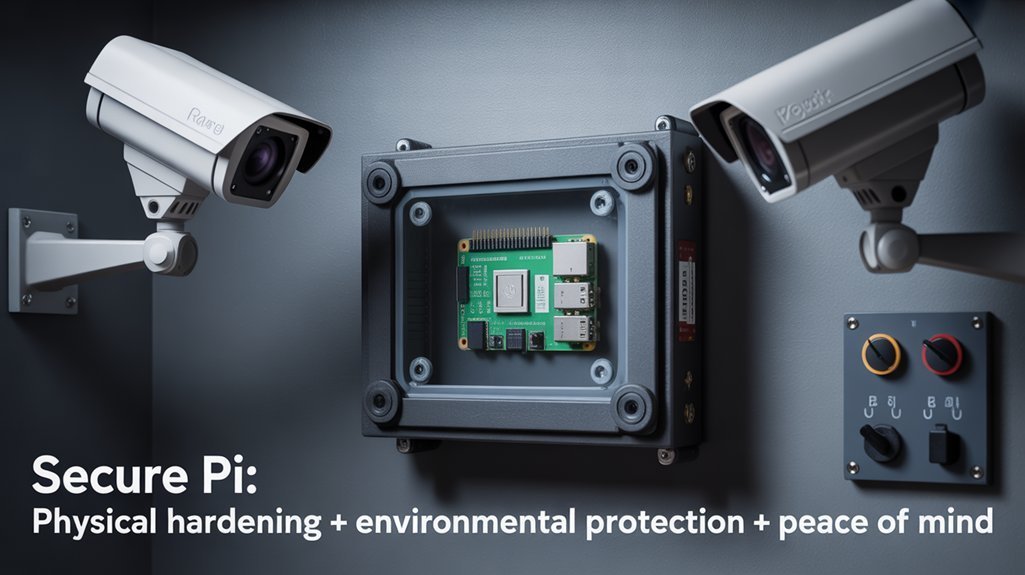
While software hardening protects your Raspberry Pi from digital attacks, physical security remains equally critical for complete protection. Deploy tamper-evident device enclosures with lockable cases to prevent unauthorized access, and position your Pi in restricted areas accessible only to authorized personnel. Maintaining an additional level of security means changing default credentials before deploying your device. Implementing robust hardware access control is essential to prevent information exfiltration and unauthorized network access through physical means.
Integrate hardware monitoring with environmental monitoring to maintain ideal operating conditions.
- Use GPIO pins to connect motion sensors and door contacts, creating a thorough security perimeter around your device
- Implement physical-layer fingerprinting to identify all connected peripherals and detect rogue devices automatically
- Deploy surge protectors and UPS systems to shield your Pi from power fluctuations that could compromise system integrity
Maintain an updated inventory of all connected hardware and regularly audit your physical security measures to adapt to emerging threats.
Frequently Asked Questions
How Does Hardening Affect Raspberry Pi’s Performance and Resource Usage?
Like a double-edged sword, hardening impacts your device’s performance with increased CPU usage and longer boot times. You’ll need strategic resource management to balance security benefits against performance impact.
Can I Still Use Remote GPIO and Other Pi-Specific Features After Hardening?
Yes, you’ll retain remote GPIO and Pi-specific features after hardening if you selectively enable required interfaces, configure proper permissions, and guarantee network rules don’t block necessary connections for your innovative projects.
How Do I Recover if I Lock Myself Out During Security Implementation?
Ah, locked yourself out? Classic security success! Use password recovery via bootloader reset methods: create recovery SD images, restore backups, implement self-healing partitions, or reinstall OS completely if you’ve truly perfected your security implementation.
Are There Tools to Automate Security Compliance Scanning for Raspberry Pi?
Yes, you’ll find multiple security scanners and automation tools for Raspberry Pi compliance: Kali Linux with custom scripts, Nessus for vulnerability assessments, Lansweeper for monitoring solutions, and Lynis for thorough scanning software against various frameworks.
How Do Security Requirements Differ Between Iot Versus Desktop Pi Deployments?
Your IoT deployments face greater vulnerabilities requiring strict network isolation, while desktop Pi setups prioritize user-centric security controls. Both demand tailored device management approaches addressing their distinct threat exposures.
Conclusion
By implementing these hardening measures, you’ll transform your vulnerable Raspberry Pi into a digital fortress. Remember, “an ounce of prevention is worth a pound of cure” when it comes to cybersecurity. Don’t wait for a breach to occur—regularly audit your system, update your security protocols, and maintain vigilance against evolving threats. Your diligent approach guarantees your Pi remains both functional and secure against sophisticated attacks.