

You can stop most Raspberry Pi–based attacks before they start by tightening your Wi‑Fi posture and watching for unfamiliar behavior. Change default credentials, enforce strong WPA2/WPA3 encryption, and isolate guest or IoT traffic so a compromised device can’t pivot. Scan regularly for rogue access points and set up simple monitoring to catch anomalies early — the next steps will show exactly how to protect your wi-fi from Raspberry Pi attacks by putting these defenses in place.
Key Takeaways
- Use strong WPA3 (or WPA2 AES) encryption with a long, unique passphrase and disable WPS.
- Change default router credentials, enable MFA for admin access, and disable remote management.
- Segment networks: put IoT and guest devices on isolated VLANs or SSIDs with restricted access.
- Monitor for rogue APs and MAC anomalies; schedule automated scans and packet captures (tcpdump/Wireshark).
- Harden devices: disable unnecessary services, keep firmware updated, and maintain an incident response checklist.
Why Raspberry Pi Devices Are a Network Risk
Why should you worry about a small, inexpensive computer left in your facility? You should, because Raspberry Pi vulnerabilities enable covert operations that bypass typical defenses. Attackers often exploit exposed SSH services to gain remote access to Pis on a network.
You can have a Pi concealed in equipment, powered by a USB port, and functioning as a rogue endpoint before anyone notices. Attackers exploit default credentials, unnecessary services, and lack of tamper protection to gain entry, install persistent backdoors, or spoof MAC addresses to evade NAC.
Tools like PoisonTap and P4wnP1 let a Pi intercept HTTP sessions, emulate HID devices, and create man-in-the-middle paths for data exfiltration.
Supply-chain and insider scenarios let these devices slip into sensitive OT or vendor environments. Treat any unattended small computer as an active threat until verified. Additionally, these devices are often used in advanced persistent operations that target sensitive data while remaining undetected.
Hardening Your Router Settings
Router hardening is the first line of defense you can control: update firmware promptly, lock down admin access with a strong, unique password (and enable MFA), and disable remote management unless you restrict it to trusted IPs. Also, regularly apply firmware updates to your router and devices to patch vulnerabilities.
Router hardening is your first defense: update firmware, secure admin access with strong unique passwords and MFA, and disable remote management.
Tighten your router configuration: enable WPA3, disable SSID broadcast if feasible, turn off UPnP, and remove unused services like telnet or unsecured HTTP. Ensure you change default passwords on all devices to reduce easy compromises.
Segment networks—create a guest VLAN for IoT and experimental hardware—and apply time-based access where appropriate.
Enforce MAC filtering and enable network- and host-based firewalls to limit ingress.
Use intrusion detection and DoS mitigation features baked into modern routers.
Back up validated settings regularly and keep a checklist for firmware and security protocols updates so you iterate improvements without disrupting operations. Recent events show that home networks are increasingly targeted, so treat your router as part of critical infrastructure.
Detecting Rogue Devices and Evil Twin Access Points
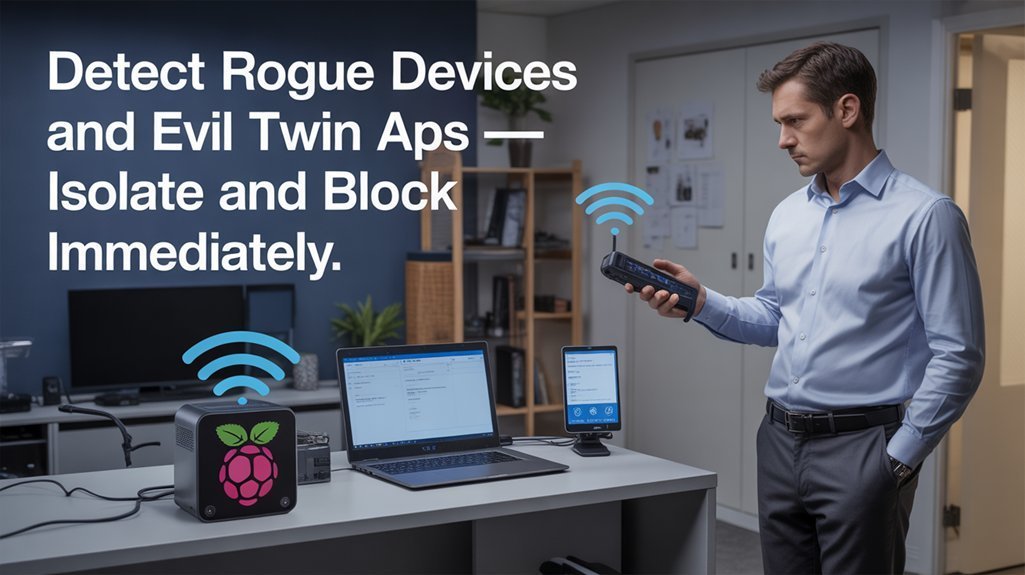
Start by scanning for rogue APs regularly so you spot duplicate or unexpected SSIDs in your area.
Monitor MAC anomalies—look for multiple different MACs using the same network name or sudden vendor changes that signal spoofing.
Always verify certificate authenticity on secure sites to catch man-in-the-middle redirects from an evil twin.
Use a VPN when on public networks to protect your traffic from interception and keep your credentials safe (Use of VPNs).
Include a regular inspection schedule and consider consulting a wireless expert to help identify sophisticated Raspberry Pi-based rogue devices.
Scan for Rogue APs
One clear step you should take is to scan your wireless environment continuously and on all channels to detect unauthorized access points and evil twins; use both passive listeners and active scanners so you catch non-broadcasting or spoofed SSIDs, correlate RSSI, SSID, security settings and client associations, and feed results into an IDS or management console that can alert and, where supported, contain the threat. Additionally, deploy host-based controls such as UFW firewall to restrict management access to scanning systems and reduce the attack surface.
Devices like Cisco Unified Wireless LAN Controllers provide built-in capabilities to assist with continuous scanning and rogue detection. Use enterprise scanners (AirMagnet, Cisco UWN) and IDS like Snort to automate rogue detection and wireless security workflows. Schedule full-spectrum scans, integrate findings with network maps and CAM/SNMP data, and apply ML clustering to telemetry to expose subtle anomalies. Validate flagged APs against authorized inventories to reduce false positives, then trigger containment or physical inspection as policy dictates. Regular quarterly scans are required for compliance with PCI DSS and should be part of your ongoing security program quarterly scans.
Monitor MAC Anomalies
Scanning for rogue APs gives you a view of suspicious radios in the air, but attackers will often hide by spoofing MAC addresses or running evil twins that mimic legitimate SSIDs. Combine these scans with continuous system monitoring of network and device states to catch spoofing attempts more quickly.
Monitor MAC anomalies by combining passive random forest machine learning on frame features with multi-stage checks: OS fingerprinting, sequence number analysis, and real-time traffic correlation.
Use behavioral analysis to build device baselines—connection times, traffic profiles, update patterns—and flag deviations automatically.
Feed switch and router logs plus IDS alerts into the detection pipeline so the system cross-validates MAC sightings across locations and timestamps.
Prioritize layered responses: automated quarantine for high-confidence detections and manual inspection for ambiguous cases to reduce false positives while enabling rapid innovation.
Implement continuous scanning and asset inventorying to maintain visibility into unauthorized hardware, especially rogue devices.
Ensure detection strategies account for the fact that MAC spoofing operates at the Data Link layer and can be combined with other attack techniques.
Verify Certificate Authenticity
How can you be sure a Wi‑Fi network or device is genuine? Use certificate-based authentication (EAP-TLS) so clients and your RADIUS server mutually validate X.509 credentials.
Configure your PKI to issue unique device certificates; avoid shared passwords.
Enforce real-time checks—CRLs or OCSP—to implement immediate certificate revocation when a device is compromised.
Combine lifecycle automation with monitoring so revoked credentials can’t be reused by rogue Raspberry Pis or evil twin APs.
On clients, enable certificate pinning to lock expected server certificates and defeat forged access points.
Prefer EAP-TLS over password EAP variants to reduce phishing and MITM risk.
This methodical, certificate-first approach gives you granular control, rapid incident response, and stronger assurance that connected devices are authentic.
Using a Raspberry Pi for Defensive Monitoring
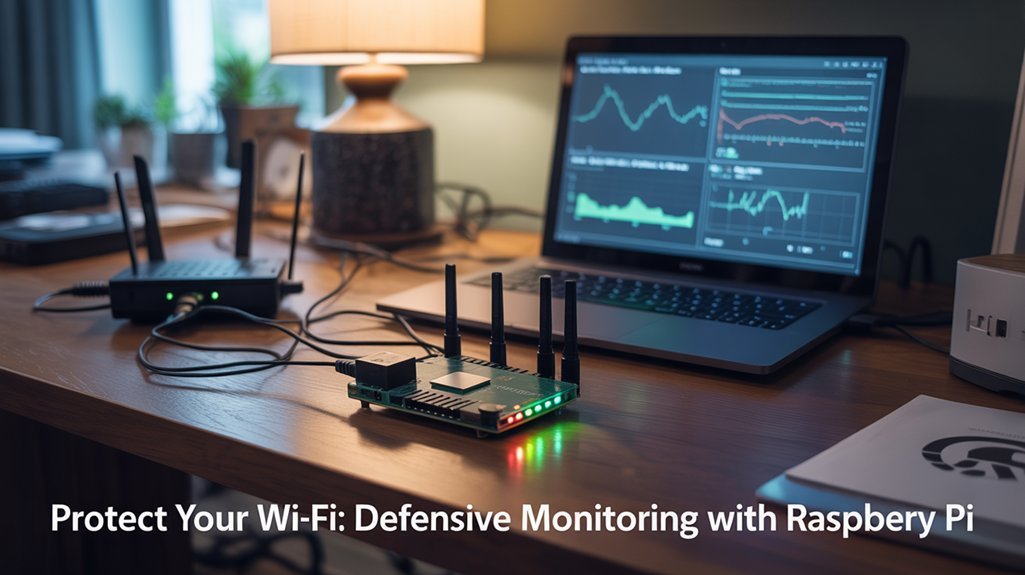
You can repurpose a Raspberry Pi as a low-cost network IDS that passively captures Wi‑Fi packets and flags suspicious patterns. Secure remote access to your Pi using SSH key authentication to prevent attackers from tampering with the monitoring setup.
Configure packet capture tools to log beacon frames, probe requests, and unexpected MAC activity, then forward selected metadata to a central dashboard.
Finally, automate lightweight alerting scripts to notify you immediately of rogue devices, evil twin indicators, or traffic anomalies.
Many users build such systems because they offer cost-effective monitoring and flexibility for home network security. Additionally, Raspberry Pi’s affordability and versatility make it an excellent choice for distributed monitoring.
Pi-based Network IDS
Visibility is the foundation of good network defense, and a Raspberry Pi can give you continuous, low-cost intrusion detection without needing enterprise hardware. Raspberry Pi OS provides native GPIO support useful for connecting sensors and peripherals.
You’ll deploy Pi.Alert features for lightweight, 24/7 scanning and pair them with Snort configuration tailored to your subnet. Choose Raspberry Pi OS or Ubuntu 22.04, install via package manager, and edit /etc/snort/snort.conf to set rule files and IP ranges.
Configure SMTP or webhook alerts so you receive realtime notices of suspicious access attempts. Use a Pi 5 for heavier workloads or DietPi for efficiency.
Complement Snort with Tshark for deeper inspection or an LSTM model for anomaly detection. Automate updates and log rotation to preserve SD health and sustain continuous monitoring.
Pi.Alert provides an easy installer and configuration wizard that simplifies setup on Raspberry Pi devices, making it a practical choice for home networks where lightweight monitoring is sufficient; ensure you configure SMTP server details before installation.
Passive Packet Capture
A Raspberry Pi can serve as a low-cost passive packet capture appliance that quietly records network traffic for defensive monitoring. Use a capable model like the Pi 4 or newer and ensure adequate cooling and a stable power supply to prevent brownouts. Set it up with a capable model (Pi 4 or newer), enable promiscuous mode on the interface, and capture to rotating pcap files with tcpdump or tshark to avoid SD-card wear.
You’ll attach the Pi to a mirror/span port or place it inline on an ad hoc segment, then SSH in to control captures and retrieve files. Use MAC filters to focus on devices of interest and store pcaps securely. For traffic analysis, open captures with Wireshark or tshark, apply focused filters, and perform deep packet inspection where authorized. This approach supports troubleshooting, audits, compliance checks, and scalable innovation. The Pi can be preloaded with tools and scripts to simplify deployment and recovery, including packages like tshark and helpful automation. It can also be configured to run a lightweight continuous capture tool such as FMADIO MINI for reliable 24/7 packet capture on modest links.
Automated Alerting Scripts
While you’re already collecting packets and metrics, automated alerting scripts let your Raspberry Pi turn raw data into timely, actionable notifications.
You’ll install Prometheus, Node Exporter, and Grafana after updating the system (sudo apt update && sudo apt upgrade -y), enable services to start at boot, and use Grafana’s port 3000 to define alert rules sourcing Prometheus.
Add NetBeez agents for focused network performance checks, configuring interfaces and thresholds for latency, packet loss, and throughput.
Use cron to schedule tcpdump captures, process pcaps overnight, and trigger email or push alerts when scripts detect anomalies. Also monitor CPU temperatures with vcgencmd measure_temp to catch overheating before it affects monitoring accuracy.
Consider Nagios and Speedtest CLI plugins for device-state and bandwidth triggers.
Maintain systemd service files and reusable GitHub scripts to guarantee reliable automated alerts and rapid incident response.
Raspberry Pi’s affordability and versatility make it an excellent platform for continuous monitoring and alerting, especially when paired with lightweight tools and sensible resource management cost-effective solution. Also remember to size your Pi appropriately for your deployment by choosing a model with sufficient RAM and network connectivity (4GB RAM recommended).
Network Segmentation and Access Control Best Practices
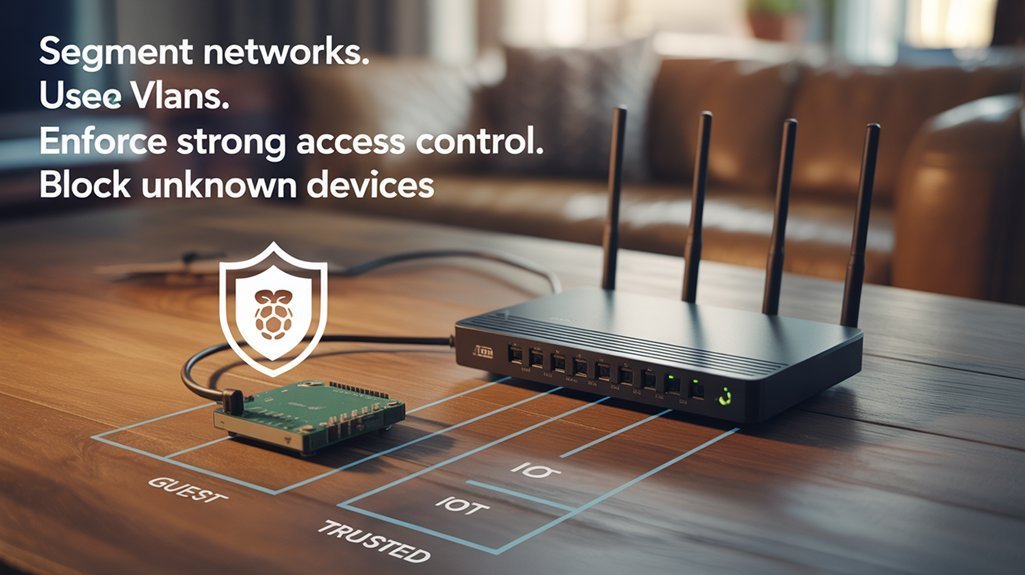
Because attackers often move laterally once they breach a device, you should design segmentation and access controls to limit that movement and protect critical assets.
Map assets, classify sensitive data, and set clear business and technical goals before creating network segmentation boundaries. Balance segment count to avoid operational complexity while reducing attack surface.
Start in observation mode, use discovery tools, then incrementally enforce policies. Apply least privilege: give users and devices only the segment access they require.
Implement RBAC, standardized authentication, and dynamic policy updates to revoke access as roles change. Use microsegmentation and software-defined perimeter techniques to isolate workloads, enforce encrypted intra-segment communication, and automate policy management.
Continuously monitor, audit, and adjust to align with compliance and evolving threats.
Practical Steps to Secure Devices on Public Wi‑Fi
Segmentation and strict access controls reduce lateral movement, but users still face direct threats when they connect on public Wi‑Fi, so you should follow concrete steps to protect devices and data in those environments. Use a trusted VPN usage to confirm secure transmission and mask your IP; avoid free VPNs that log data. Disable automatic connectivity settings, forget networks after use, and turn off file sharing. Don’t perform financial actions; prefer mobile hotspots. Enforce strong passwords and modern authentication methods (2FA/MFA). Keep device updates current and enable firewalls. Run monitoring tools to spot anomalies and prioritize public safety by choosing trusted networks.
| Action | Rationale |
|---|---|
| VPN usage | Encrypts tunnel |
| Connectivity settings | Prevents auto-join |
| Authentication methods | Limits credential theft |
| Device updates | Close vulnerabilities |
| Monitoring tools | Detect intrusions |
Frequently Asked Questions
Can a Raspberry Pi Physically Damage My Router Hardware?
No — you won’t get physical damage from a Raspberry Pi; Raspberry Pi vulnerabilities can cause software failures or performance issues, but router hardware risks are minimal unless someone intentionally tampers with electrical components or causes extreme overheating.
Are Software Updates on Raspberry Pi Automatic by Default?
No — Raspberry Pi OS doesn’t update automatically by default. Think of updates as seeds you must plant; you’ll manage Raspberry Pi security and Software update management manually unless you enable unattended-upgrades, monitor logs, and schedule reboots.
Can Pi-Based Attacks Be Performed Over Cellular Hotspots?
Yes — you can use a Raspberry Pi over cellular hotspots to exploit cellular vulnerabilities and test hotspot security; you’ll need cellular hardware, networking tools, and careful planning, but power, range, and detection limit practical impact.
Do MAC Address Changes Void Warranty on My Network Devices?
Like a gardener pruning, you’ll still grow roots: MAC address spoofing alone rarely voids warranty, but warranty implications arise if you alter firmware, root devices, or breach provider terms — proceed carefully and document changes.
Can Legal Action Be Taken Against Someone Using a Pi to Test My Wi‑Fi?
Yes — you can pursue legal action if someone uses a Pi to test your Wi‑Fi without permission; you’ll cite legal implications and ethical concerns, document harm, involve authorities, and consult counsel to enforce remedies and deter repeat offenses.
Conclusion
You know Raspberry Pis can be tiny tools of intrusion or tiny tools of defense; that contrast is your leverage. Tighten your router configurations, segment networks, and watch for rogue devices with steady, routine scans. Treat every public Wi‑Fi session like a test case: limit access, enforce strong auth, and prepare an incident plan. By combining vigilance with clear controls, you’ll make your network a hard target and turn curiosity into containment.