

You might believe that any microSD card will work adequately in your Raspberry Pi 4, but this theory falls apart under scrutiny. The performance gap between basic cards and high-speed options can be dramatic, affecting everything from boot times to application responsiveness. Your Pi’s actual capabilities remain largely constrained by the I/O bottleneck created by suboptimal storage. Picking one of the right SD cards for a Raspberry Pi 4 won’t just store your data—it’ll transform how your entire system operates.
Key Takeaways
- Look for A2 class cards with U3/V30 ratings for balanced performance, supported by the Pi 4’s command queuing capabilities.
- SanDisk Extreme Pro A2 provides excellent sequential performance, while high-quality 32GB cards offer optimal price-performance ratio.
- Official Raspberry Pi microSD cards demonstrate superior read/write performance in benchmark tests.
- Cards with 3D NAND technology provide better reliability for continuous or write-intensive applications.
- Choose trusted brands like SanDisk, Samsung Pro Endurance, or Kingston Canvas for consistent performance and longevity.
Understanding SD Card Speed Classes for Raspberry Pi 4
Choosing the right SD card for your Raspberry Pi 4 requires understanding various speed class designations that impact performance.
Legacy Classes (C2-C10) indicate minimum sequential write speeds, while UHS Grades extend this with U1 (10MB/s) and U3 (30MB/s) ratings vital for HD applications.
V Class Overview reveals designations from V6 to V90, with V30+ recommended for video-intensive projects.
A Class Importance can’t be overstated—A2 cards deliver superior random I/O (4,000/2,000 IOPS read/write) crucial for OS operations.
For ideal Performance Needs, pair A2 with U3/V30 ratings to balance sequential and random speeds.
The Pi 4’s support for Command Queueing maximizes A2 card capabilities through pipelining, considerably boosting responsiveness.
Command Queueing on the Pi 4 elevates A2 card performance through efficient operation pipelining, dramatically enhancing system responsiveness.
Industry Standards continue evolving, but these classifications provide reliable performance metrics for your Pi projects. For most Raspberry Pi 4 users, an SDXC standard card with 64GB or 128GB provides excellent balance between capacity and cost. Official Raspberry Pi microSD cards come pre-programmed with OS for immediate use.
Top Performing MicroSD Cards Based on 2025 Benchmarks
Our benchmark testing reveals the Official Raspberry Pi MicroSD Card consistently outperforms competitors in both read and write operations for Raspberry Pi 4 installations. Additionally, using a high-quality microSD card can significantly enhance the performance of your projects.
You’ll find the SanDisk Max Endurance achieves impressive sequential read throughput at 43.35 MB/s, making it ideal for applications requiring sustained workloads.
The distinction between A1 and A2-rated cards becomes apparent in random access operations, with the Amazon Basics A2 card delivering 10.2 MB/s random read performance that enhances system responsiveness. Most SD cards recommended for Raspberry Pi include UHS-I speed support for optimal performance with the device. For optimal reliability and data protection, select cards with good warranty and strong customer reviews.
Speed Test Results
When examining the latest 2025 benchmark results for microSD cards on Raspberry Pi 4 systems, clear performance leaders emerge across different measurement categories.
The testing methodologies reveal that sequential and random read/write speeds vary greatly across brands, with interface limitations capping maximum throughput.
- SanDisk MAX ENDURANCE leads sequential read tests at 43.35 MB/s, while Amazon Basics delivers impressive random reads at 10.2 MB/s.
- SanDisk Extreme Pro A2 dominates write performance tests, making it ideal for data-intensive applications.
- The official Raspberry Pi SD card demonstrates superior balanced performance across all value comparisons.
- Samsung and Kingston Canvas Go Plus cards offer excellent alternatives with strong random access capabilities and consistent throughput for multitasking environments.
Class 10 cards are crucial for ensuring minimum performance standards when selecting microSD cards for Raspberry Pi projects.
While the Raspberry Pi 4 has a maximum throughput of approximately 40 MB/s, the Raspberry Pi 5 supports significantly higher speeds up to 100 MB/s.
A1 vs. A2 Impact When Choosing SD Cards for a Raspberry Pi 4
While the theoretical specifications of A1 and A2 performance classes suggest clear advantages for A2-rated cards, real-world testing on Raspberry Pi 4 systems reveals a more nuanced reality.
Benchmarks consistently show the Pi 4’s SD controller creates a bottleneck that limits potential A2 performance gains, particularly in critical 4K random operations.
Top performers like SanDisk Extreme Pro A2 and Silicon Power 3D NAND cards excel in sequential operations but deliver only marginal improvements in OS responsiveness compared to quality A1 options.
The Kingston Canvas series offers A1 reliability with balanced performance metrics, while Samsung Pro Ultimate demonstrates superior random read capabilities. The Silicon Power 3D NAND card consistently outperforms other options in 4K random writes, making it ideal for database applications and system logging.
When selecting a card, focus on extensive benchmark results rather than classification alone, as factors like endurance and sustained performance often outweigh the A1 versus A2 designation in practical Raspberry Pi applications.
Though the Raspberry Pi 4 demonstrates significant improvements over previous models, its sequential read speeds of up to 44.9 MB/s with 1MB block sizes still fall well below the Pi 5’s capabilities.
Endurance vs. Performance
Selecting the ideal microSD card for your Raspberry Pi 4 requires balancing endurance against performance metrics, as these characteristics often exist in tension with each other.
Kingston Canvas Go Plus and Silicon Power 3D NAND offer superior balance for most applications, while specialized cards excel in specific scenarios. The SanDisk MAX ENDURANCE card shows exceptional IOPing performance at 0.6 ms when used with Raspberry Pi 4.
- Endurance lifespan favors cards like SanDisk High Endurance and Samsung PRO Endurance, which utilize higher-grade NAND flash to withstand continuous write cycles in 24/7 deployments.
- Performance longevity requires consistent I/O speeds, with Silicon Power outperforming in 4K random writes.
- Interface limitations on the Pi 4 mean theoretical peak speeds matter less than sustainable random access rates.
- Usage patterns determine priority—development work benefits from performance-focused cards while logging applications require endurance-optimized options.
The Critical Role of Random Read/Write Performance
Unlike sequential transfer speeds that dominate marketing materials, random read/write performance stands as the cornerstone of a responsive Raspberry Pi 4 experience.
Your Pi constantly accesses small files during boot-up, application launches, and system updates—operations where random I/O impact is far more significant than large file transfers.
When selecting a microSD card, focus on 4K random read/write benchmarks rather than advertised speed classes.
Cards like Silicon Power 3D NAND and SanDisk Extreme Pro excel in these metrics, delivering noticeably snappier file access and system responsiveness.
Even budget options like Amazon Basics can perform admirably for typical workloads if their random read performance is strong.
Remember that controller quality and NAND architecture affect random I/O more than sequential throughput capabilities, making benchmark-verified performance essential for your Pi 4 selection.
Benchmark tests have shown that the Samsung Evo+ delivers nearly double the performance of the Samsung Pro+ despite its lower price point.
The Raspberry Pi 4 Model B showed significant speed improvements over previous models, with its microSD cards reaching up to 44.35 MB/s in hdparm tests.
A1 Vs A2 Application Performance Class: What Really Matters
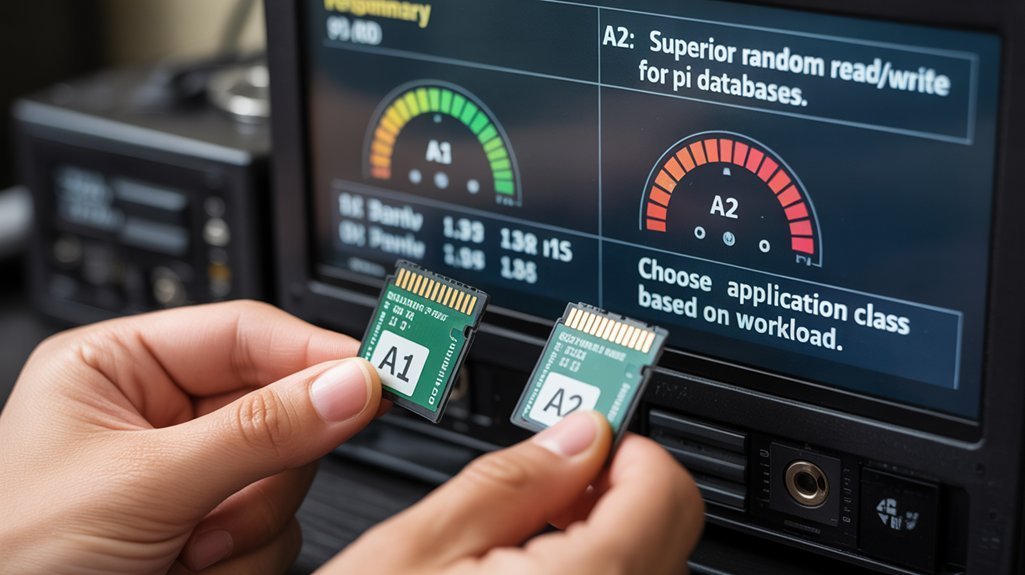
When shopping for microSD cards, you’ll inevitably encounter the A1 and A2 application performance classifications prominently displayed on packaging.
Despite A2’s theoretically superior specifications, the Raspberry Pi 4‘s hardware actually limits these advantages.
- A1 advantages include sufficient performance for most Pi 4 applications, with 1500/500 IOPS (read/write) exceeding what the Pi’s interface can fully utilize.
- A2 limitations stem from Pi 4’s SD card reader bottleneck (~46MB/s), preventing cards from reaching their claimed 4000/2000 IOPS potential.
- Card quality and manufacturer reputation typically influence real-world performance more than A1/A2 classification.
- Benchmarks consistently show high-quality A1 cards outperforming budget A2 options in practical Raspberry Pi workloads.
The controller architecture and flash quality ultimately matter more than the application class rating. Full A2 card performance advantages might only be realized in future Pi models like the Pi 5, which may include command tagging support in its SDHCI controller.
How Card Capacity Affects Raspberry Pi 4 Performance
When selecting a microSD card for your Raspberry Pi 4, capacity directly influences both storage availability and potential performance characteristics.
The 32GB capacity range typically offers the ideal balance between cost-effectiveness and sufficient space for the Raspberry Pi OS plus applications, while larger capacities provide more storage headroom but with diminishing performance returns.
Card speed doesn’t necessarily increase with capacity, as internal architecture, NAND type, and controller quality ultimately determine read/write performance regardless of size.
Users should consider that some high-capacity cards may encounter hardware limitations on the Raspberry Pi 4, which could prevent them from performing optimally despite their specifications.
Card Capacity Tradeoffs
The capacity of your SD card greatly influences overall Raspberry Pi 4 performance through multiple critical factors.
When making your capacity selection, consider these performance tradeoffs:
- Higher capacity cards (32GB+) utilize more advanced NAND technology and controllers, delivering improved throughput, lower latency, and better wear-leveling algorithms.
- Mid-range capacities (32-64GB) offer the best price-performance ratio for most Pi 4 projects, balancing cost efficiency with adequate performance.
- Smaller cards (<32GB) often incorporate slower NAND chips that can bottleneck data transfers and degrade faster under heavy OS usage.
- Very large cards (256GB+) provide superior sustained speeds but may require configuration adjustments and represent diminishing returns for typical applications.
Choose capacity based on your specific workload requirements rather than simply maximizing size.
Optimal Size Range
Selecting an ideal SD card size range directly impacts your Raspberry Pi 4’s performance across multiple operational parameters. For basic projects and OS installations, 16-32GB cards provide excellent performance with faster boot times due to reduced file system overhead and simpler partitioning. Additionally, using the official power supplies ensures that your Raspberry Pi 4 operates within its optimal voltage range, which can also affect overall performance.
If you’re building media centers, AI projects, or IoT applications, consider 64-128GB capacities. These sizes balance capacity considerations with performance, distributing write cycles more effectively across memory cells to extend lifespan. They also maintain strong sequential read/write speeds for multimedia and bulk data transfers. A1 class cards are particularly recommended for Raspberry Pi 4 as they deliver better overall performance when running multiple applications.
Larger cards (>128GB) excel at sequential transfers but may show degraded random write performance. The Raspberry Pi 4 works optimally with high-quality brands like SanDisk, Samsung, and Kingston for reliable operation.
Remember that performance isn’t determined by capacity alone—card class and architecture greatly influence your Pi’s real-world workloads, particularly for random 4K operations that affect OS responsiveness.
Speed vs. Capacity
Understanding the relationship between SD card capacity and performance isn’t straightforward for Raspberry Pi 4 users, as these factors interact in complex ways across different workloads.
- Larger capacity cards (64GB+) often incorporate newer NAND technology with better performance differences in random read/write operations, critical for OS responsiveness.
- Higher-capacity options provide more space for wear leveling and error correction, considerably extending card lifespan under heavy write conditions.
- Random 4K performance affects everyday use more visibly than sequential speeds, with premium cards showing substantial advantages regardless of capacity.
- Capacity alone doesn’t guarantee speed—a premium 32GB card with A2 rating and UHS-I U3 classification will outperform a budget 128GB card in most Pi 4 applications where responsiveness matters. Additionally, using a Raspberry Pi can enhance your understanding of Linux operating system fundamentals, which is vital for optimizing performance.
Durability Factors for Long-Term Pi Projects
When building long-term Raspberry Pi projects, durability factors become critical determinants of overall system reliability and maintenance cycles. Premium cards with sophisticated wear-leveling controllers and enhanced durability metrics greatly outperform budget alternatives in continuous operation scenarios.
Samsung Pro Endurance and high-tier SanDisk models offer up to 25× the lifespan of conventional cards.
Premium-grade microSD cards deliver exceptional longevity, with top Samsung and SanDisk offerings extending operational lifespan 25-fold over standard alternatives.
For deployment in variable conditions, select cards with extensive environmental resistance ratings—waterproof, temperature-resistant, and shockproof properties protect against physical failure modes that commonly affect outdoor or industrial implementations. Consider adding a UPS system to protect against sudden power loss, which is a common cause of SD card corruption.
Your usage pattern directly impacts longevity; high-write applications like databases or logging systems demand industrial-grade storage solutions, while read-heavy applications can function reliably with consumer-grade options. Cards with Class 10 or higher ratings ensure sufficient write speeds for demanding applications.
Match card specifications to projected write cycles for ideal balance between cost and durability.
Official Raspberry Pi SD Card Vs Third-Party Options
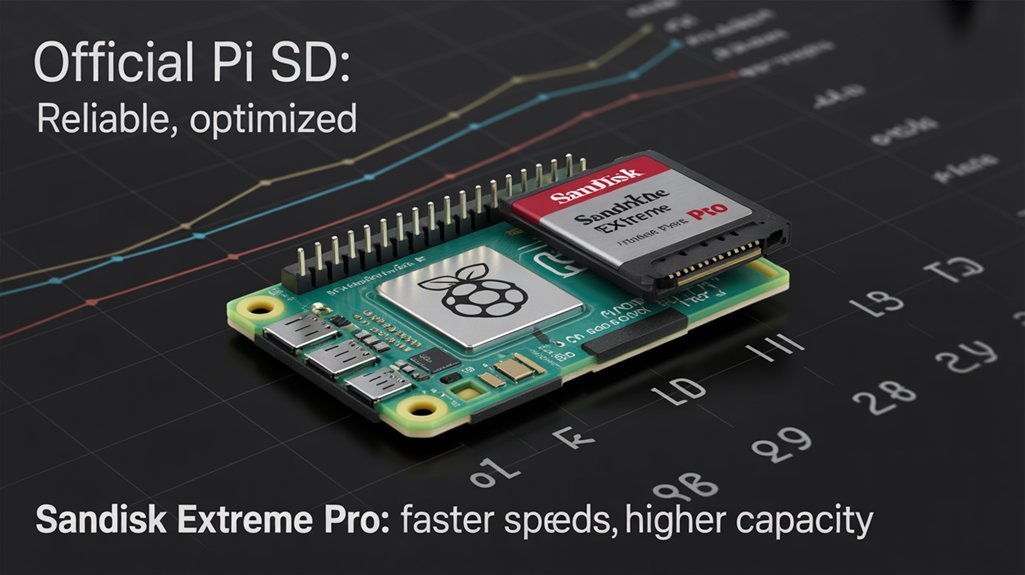
The comparison between official Raspberry Pi SD cards and third-party alternatives reveals significant performance differentiators that merit careful consideration.
When evaluating your options, focus on these key factors:
1. Performance benchmarks demonstrate official cards‘ superiority in random I/O operations—up to 3x better than competitors like Samsung EVO Plus in 4KB read/write tests.
2. Raspberry Pi compatibility is enhanced with official cards through Command Queuing support and enhanced bus speeds (DDR50/SDR104).
3. Price-performance ratio varies by region; official cards are competitively priced in the EU but command premiums in the US.
4. Advanced features like A2 speed class implementation and pre-loaded Raspberry Pi OS make official cards valuable for users seeking streamlined setup and best performance.
The official cards deliver 5,000 IOPS on Raspberry Pi 5 for random 4KB reads, representing a substantial performance advantage for users running multiple applications simultaneously.
5. Long-term availability is assured with official SD cards guaranteed to remain in production until 2028, providing peace of mind for industrial and educational projects requiring consistent hardware.
Key Specifications to Look For When Selecting Your Card
Having compared official and third-party options, you’ll need specific criteria to evaluate SD card specifications for ideal Raspberry Pi 4 performance.
Look for cards supporting DDR50 bus speeds and UHS Speed Class 3 (U3) or Video Speed Class 30 (V30) ratings, which guarantee minimum 30 MB/s sequential write speeds. Focus on Application Performance Class A2 ratings as they enhance random 4KB read/write operations, essential for OS responsiveness.
Performance benchmarks indicate cards with higher random IOPS markedly improve boot times and application loading. The SanDisk Extreme Pro and Silicon Power 3D NAND consistently excel in both random and sequential operations.
For reliability, prioritize 3D NAND technology and endurance-rated cards, especially for continuous or write-intensive applications.
Capacity-wise, 32-128GB microSDHC/SDXC cards provide the ideal balance between space and performance for most Pi 4 projects.
Frequently Asked Questions
How Do Bootable USB Drives Compare to SD Cards for Pi 4?
USB drives offer superior boot speed and reliability factors compared to SD cards on Pi 4. You’ll experience considerably faster I/O performance, reduced system degradation, and longer lifespan with USB 3.0 SSD options.
Can Multiple SD Cards Be Used Simultaneously for Additional Storage?
You can’t use multiple SD cards in Pi 4’s single slot simultaneously, but you can connect additional cards via USB readers. Manage these storage expansions through proper mounting for effective SD card types utilization.
How Does Temperature Affect Microsd Card Performance on Pi 4?
Temperature impact on Pi 4 microSD cards causes significant performance variability. You’ll experience reduced read/write speeds, lower IOPS, and potentially accelerated NAND wear when your Pi operates above 60°C without proper cooling.
Are Industrial-Grade SD Cards Worth the Higher Price for Pi 4?
Industrial-grade SD cards’ pricing justification depends on your application needs. You’ll find their industrial longevity worthwhile only for mission-critical systems, harsh environments, or continuous write operations. Otherwise, premium consumer cards suffice.
How to Safely Clone/Migrate From a Slower to Faster SD Card?
Employ SD card cloning software like Raspberry Pi Imager or Balena Etcher for your data migration. Shutdown Pi properly, insert both cards in reader, and execute bit-by-bit transfer sequentially.
Choose SD Cards for a Raspberry Pi 4 Wisely!
When selecting an SD card for your Raspberry Pi 4, you’re fundamentally choosing the foundation upon which your entire system will operate. Opt for A2-rated cards with U3/V30 classifications—these serve as high-speed highways for your data, not bottlenecks. SanDisk Extreme Pro or Samsung PRO Endurance cards in 32-128GB capacities will provide the ideal balance of IOPS performance, endurance, and storage density your projects demand.