

You’ll transform your Raspberry Pi with shell scripts into a powerful automation hub by mastering shell scripts that execute tasks without manual intervention. These executable text files control GPIO pins, manage sensors, monitor system resources, and handle data processing while you’re away from the terminal. However, poorly written scripts can compromise your system’s security and stability, creating vulnerabilities that attackers exploit. The key lies in understanding proper script architecture and implementing fail-safes that protect your deployment.
Key Takeaways
- Begin shell scripts with `#!/bin/bash` shebang line and use proper variable syntax with double quotes for reliable automation.
- Implement `set -e` and trap commands for robust error handling that prevents cascading failures during automated task execution.
- Schedule automatic script execution using crontab with `@reboot`, systemd services, or Anacron for reliable task scheduling.
- Optimize performance through CPU governor settings, memory management, and minimal external command calls for efficient automation.
- Include comprehensive logging with timestamps and error codes to monitor automated tasks and troubleshoot issues effectively.
Getting Started On Raspberry Pi With Shell Scripts: Fundamentals
Shell scripting transforms repetitive Raspberry Pi tasks into automated processes through executable text files containing sequential commands.
You’ll begin by creating scripts with the mandatory shebang line `#!/bin/bash`, defining your interpreter path. Essential components include variable usage through `variable_name=value` syntax, accessed via `$variable_name` for dynamic data storage. In addition, you can access the Raspberry Pi command line through Secure Shell (SSH)(https://www.raspberrypi.org/documentation/remote-access/ssh/) for remote operations.
Master control structures like `if..then..else` statements and `case` blocks to implement conditional logic.
Shell loops including `for`, `while`, and `until` enable iterative task execution until specified conditions terminate processes. Incorporate user input functionality using `read` commands for interactive script behavior.
Your development environment requires a text editor, proper file permissions via `chmod +x`, and execution through `./script.sh`. Functions provide code encapsulation for reusable components, simplifying maintenance and organization of complex automation workflows.
Command output can be captured using back ticks to store results from system operations directly into variables for processing within your scripts.
This foundation enables sophisticated automation workflows tailored to your Pi’s operational requirements.
Writing Effective Scripts for Raspberry Pi Systems
You’ll build robust Raspberry Pi automation by implementing proper script structure that includes error handling mechanisms and performance optimizations from the start.
Your scripts must incorporate `set -e` and `set -u` flags alongside thorough input validation to prevent system failures and security vulnerabilities.
Focus on organizing your code with clear function separation, efficient variable handling, and strategic resource management to guarantee scripts run reliably on Pi hardware constraints. Execute your automation scripts using chmod +x to establish proper file permissions before deployment. The GPIO pins provide direct hardware interfacing capabilities that expand your automation possibilities beyond standard software tasks.
Script Structure and Organization
When developing automation scripts for Raspberry Pi systems, establishing a clear organizational framework guarantees your code remains maintainable, debuggable, and secure across production environments. Utilizing a Raspberry Pi board as the foundation for your projects enables diverse computing tasks.
Structure your scripts using logical blocks: initialization, validation, core logic, and cleanup sections. This script organization approach prevents cascading failures and simplifies troubleshooting when issues arise.
Keep functions small and focused—each should handle one specific task to promote reusability and streamline testing.
Place configuration variables and user-settable options at your script’s beginning for easy modification. Group related code with consistent spacing and comments to enhance readability.
Maintain uniform indentation throughout your codebase. Always implement double-quoted variable access within your scripts to prevent word splitting and pathname expansion issues that can lead to unexpected behavior.
Begin every script with the proper shebang line to ensure the correct interpreter executes your automation code.
This disciplined approach transforms complex automation tasks into manageable, professional-grade solutions that scale effectively across your Raspberry Pi infrastructure.
Error Handling Techniques
Building on your well-structured script foundation, robust error handling transforms potential system failures into manageable, predictable outcomes. Implement `set -e` to terminate scripts immediately upon command failures, preventing cascading errors that could compromise your Raspberry Pi’s stability. The `$?` variable captures exit status codes, enabling conditional responses to specific failure types. Additionally, consider using system monitoring tools like `htop` to oversee resource usage during script execution, helping identify potential issues early.
Deploy trap commands for extensive signal handling: `trap ‘cleanup_function’ ERR` executes cleanup strategies automatically when errors occur. Custom error handlers using `$LINENO` pinpoint exact failure locations, accelerating diagnostic processes.
Establish systematic error logging by redirecting stderr to dedicated files: `exec 2>error_log.txt`. This approach preserves critical failure information while maintaining clean console outputs. Combine explicit conditional checks with logical operators (`||`, `&&`) for graceful degradation, ensuring your automation continues operating even when non-critical components fail. Apply strict variable checks with `set -u` to catch uninitialized variables that could lead to unexpected script behavior during automated task execution. Advanced scripts benefit from implementing custom error functions that provide detailed context and flexible response mechanisms for complex failure scenarios.
Performance Optimization Methods
Although Raspberry Pi systems deliver remarkable capabilities for their size, extracting maximum performance requires strategic optimization across hardware configuration, system resources, and script architecture. You’ll achieve significant gains through memory management techniques like SDRAM timing adjustments and NUMA emulation for multi-core workloads. Enhanced security measures can also contribute to overall system efficiency by reducing potential vulnerabilities that could impact performance.
| Optimization Area | Implementation Method |
|---|---|
| CPU Configuration | Fine-tuned governor settings, dynamic frequency scaling |
| Memory Management | Aggressive disk caching, optimized swap configurations |
| I/O Optimization | noatime filesystem mounts, streamlined network stack |
| Script Architecture | Asynchronous execution, minimal external command calls |
| System Resources | Disabled unused services, lightweight OS distributions |
Focus on I/O optimization through efficient text processing tools and reduced process spawning. Profile performance using Linux PERF tools to identify bottlenecks and guide targeted optimizations for your automation workflows. Setting SDRAM_BANKLOW=1 configuration in your Pi’s EEPROM provides additional performance benefits that persist across different boot media. Consider implementing zram compression for virtual memory operations, which accelerates access speeds while reducing wear on SD card storage.
Setting Up Automatic Script Execution at Boot Time
Since Raspberry Pi systems often serve as dedicated automation platforms, you’ll need reliable methods to execute scripts automatically during the boot process. Modern Raspberry Pi OS offers several approaches for automatic execution. Crontab commands provide the simplest solution using `@reboot` syntax, directing output to dedicated log files.
For legacy systems, rc.local usage enables root-level startup execution, though it’s deprecated on systemd distributions. When using rc.local, append absolute paths for file references to ensure proper script execution. Systemd services represent the recommended approach for production environments, offering dependency management, restart policies, and parallel execution. Create `.service` files in `/etc/systemd/system/` and enable them with `systemctl enable`.
Autostart applications handle GUI scripts after desktop login, while init.d scripts maintain compatibility across different boot systems. Choose your method based on complexity requirements and system architecture. Projects involving GPIO controls benefit particularly from automatic script execution for applications like video kiosks and hardware interfaces.
Real-World Automation Examples and Use Cases
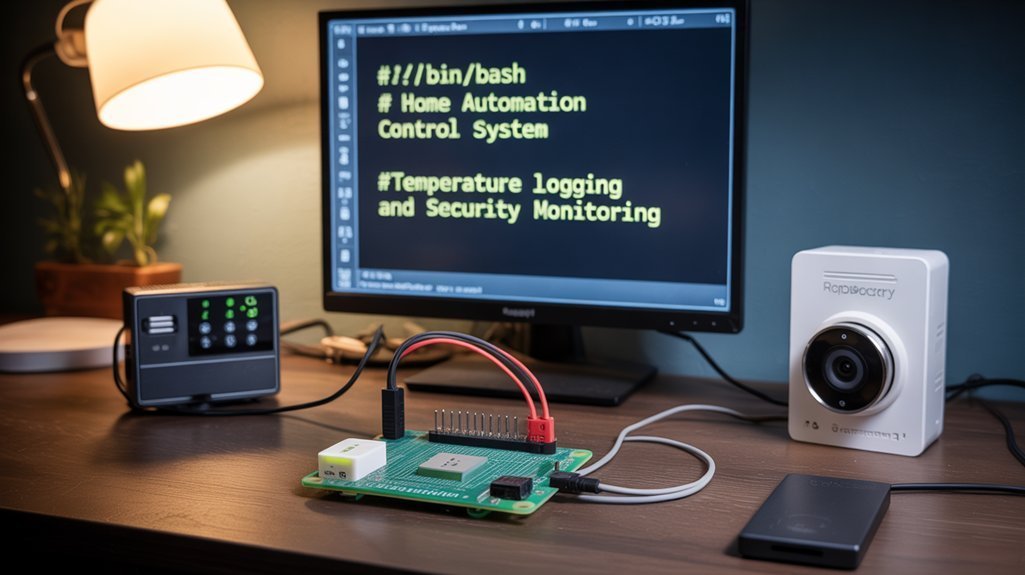
Innovation drives Raspberry Pi automation beyond basic scripting into sophisticated real-world applications that solve practical problems.
Raspberry Pi transforms from simple hobby board into powerful automation platform creating intelligent solutions for everyday challenges.
You’ll find home automation systems integrating machine learning with YOLO object detection models for contextual lighting that responds to hand gestures.
Gardening automation leverages DHT11 sensors and moisture detection to maintain ideal plant care without manual intervention.
Smart mirrors display real-time weather, news, and calendar data through API integration and Python libraries like Tkinter.
Asset management systems utilize ultrasonic sensors for parking occupancy detection with dashboard interfaces.
DIY robotics projects combine webcams with ML models for automated responses, while performance monitoring tracks environmental parameters through IoT sensors, enabling efficient resource management and security surveillance.
Security systems implement face recognition databases with OpenCV processing to send automated alerts via email or SMS when unrecognized individuals are detected.
AI assistance creates sophisticated conversational systems using LLM integration with Gemini API for understanding and responding to voice commands through natural language processing.
Essential Development Practices for Reliable Scripts
You’ll need robust code documentation standards that include clear variable naming, informative comments, and thorough dependency documentation to guarantee your Raspberry Pi automation scripts remain maintainable across different environments and team members. Additionally, utilizing Raspi-Config can facilitate initial setup configurations for your scripts.
Your testing strategy must encompass both controlled development environments and production-like scenarios, validating script behavior under various system conditions and input parameters. Additionally, implementing error handling mechanisms with exit codes and failure checks ensures your scripts terminate gracefully when encountering unexpected conditions.
Implementing systematic validation processes using tools like ShellCheck and establishing version-controlled test suites will prevent deployment failures and security vulnerabilities in your automation infrastructure. Enable bash strict mode with set -e, set -u, and set -o pipefail to catch common errors early and ensure safer script execution by managing error handling automatically.
Code Documentation Standards
While automation scripts can function without proper documentation, maintaining clear code documentation standards guarantees your Raspberry Pi scripts remain maintainable, debuggable, and secure over time. Additionally, following best practices for hardware interfacing can further enhance your script’s functionality.
Implement systematic commenting practices using hash symbols for inline explanations, avoiding code clutter while ensuring code clarity for future modifications. Start scripts with hashbang lines and thorough header blocks containing purpose, author, date, and usage instructions.
Document dependencies, system requirements, and external commands explicitly. Structure documentation into logical sections with consistent spacing and meaningful variable names using snake_case conventions. Include command-line help functionality through `-h` flags and maintain version histories within comments. Document how scripts handle command line arguments using positional parameters for directory paths and other input variables.
Integrate error handling documentation that explains exit codes and failure scenarios. Configuration changes should be documented for future reference to maintain consistency across system modifications and script updates. These documentation standards transform your automation scripts into professional-grade tools that enhance long-term reliability and security.
Testing and Validation
Before deploying automation scripts on your Raspberry Pi, you must establish thorough testing protocols that verify functionality, catch errors, and guarantee reliable operation across different scenarios.
Test script execution using `bash -n` for syntax validation and `set -x` for line-by-line debugging. Implement `shellcheck` for static analysis to identify portability issues and scripting errors automatically. Additionally, gaining proficiency in Linux operating system fundamentals is essential for effective script writing.
Structure your scripts into functions to validate shell logic through unit testing frameworks like `shunit2` or `bats`.
Mock hardware dependencies to replicate scenarios without physical devices. Use `set -e` for immediate failure handling and `trap` commands for resource cleanup.
Integrate logging with timestamps and configurable verbosity levels. Monitor resource usage during execution to detect performance bottlenecks and maintain persistent audit trails for post-execution analysis. Validate exit codes from critical operations to ensure proper error handling and script reliability.
Debugging Tools and Troubleshooting Techniques for Raspberry Pi with Shell Scripts
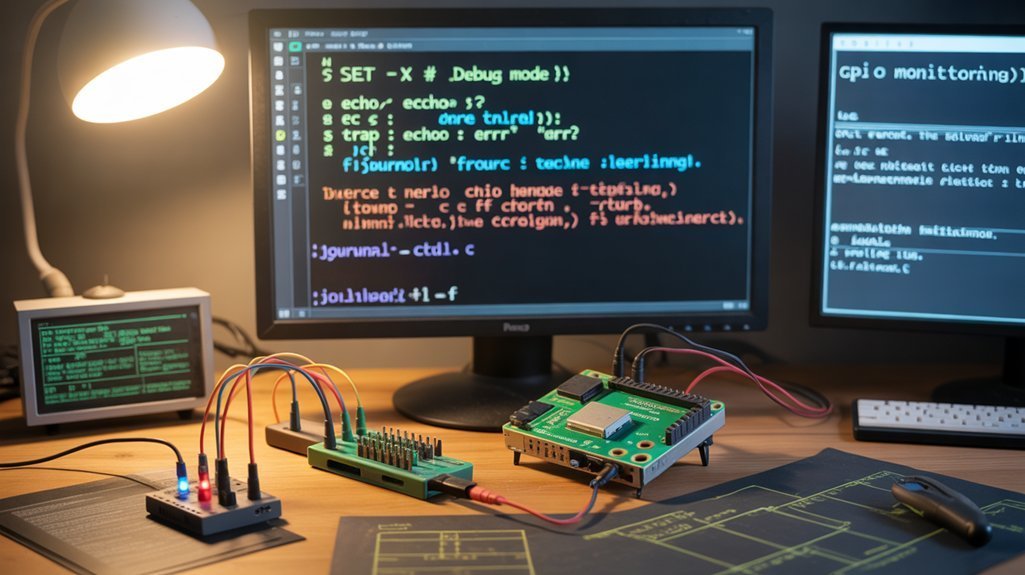
When automation scripts break down on your Raspberry Pi, effective debugging tools and systematic troubleshooting techniques become essential for maintaining reliable task execution. You’ll need multiple debugging approaches depending on your automation complexity.
For shell tracing, run scripts with `bash -x` to reveal execution flow and variable states. Implement thorough logging outputs by redirecting stderr and stdout to files for performance analysis. Check exit codes using `$?` for robust error detection throughout your automation chains.
Hardware-level issues require advanced tools. The Raspberry Pi debug probe provides USB-to-UART debugging capabilities, enabling you to capture kernel logs and peripheral communications. The probe operates at a nominal 3.3V I/O voltage and includes color-coded cables for reliable connections.
Configure your OpenOCD setup with `sudo openocd -f interface/cmsis-dap.cfg -f target/rp2040.cfg` for ARM debugging. Achieve GDB integration through `target remote localhost:3333` for breakpoint control and state inspection during complex automation troubleshooting.
Advanced Scheduling and Monitoring Strategies
Beyond basic cron scheduling, you’ll implement sophisticated timing strategies that guarantee reliable automation across power cycles, network dependencies, and resource constraints.
Deploy Anacron for devices with intermittent power, ensuring missed jobs execute at next boot. Combine systemd timers with traditional cron for dependency management and precise event triggering.
Anacron ensures critical automation survives power outages by executing missed jobs at startup, while systemd timers provide precise dependency-aware scheduling control.
Your monitoring techniques must include extensive logging through `/var/log/syslog` with output redirection and timestamping for traceability. Implement notification triggers via MQTT or webhooks for proactive failure response.
Handle task dependencies using lock files to prevent concurrent execution and sequential command chaining with `&&` operators.
Apply performance optimization by balancing job frequency against system resources, especially on resource-constrained Pi models, while maintaining automation reliability. Additionally, consider leveraging HSM integration to secure sensitive automation tasks and ensure cryptographic integrity.
Frequently Asked Questions
Can Shell Scripts Access GPIO Pins Directly on Raspberry Pi?
You can achieve GPIO control through shell automation using the sysfs interface at `/sys/class/gpio/`, but you’ll need sudo privileges. However, this method’s deprecated on newer kernels, limiting future compatibility.
How Do I Handle Script Permissions on Raspberry Pi When Using Sudo Commands?
What’s more dangerous than uncontrolled privilege escalation? You’ll secure script ownership through proper file permissions, then strategically apply permission levels using targeted sudo commands rather than blanket root access throughout your entire automation workflow.
What’s the Maximum Number of Scripts I Can Run Simultaneously on a Raspberry Pi?
You’ll hit resource limits before theoretical maximums. Script performance depends on your Pi’s CPU cores, RAM, and workload complexity. Test with monitoring tools—typically dozens of lightweight scripts run simultaneously before system degradation occurs.
Do Shell Scripts Work the Same on Raspberry Pi Zero?
Shell scripts execute identically on Raspberry Pi Zero, but you’ll encounter scripting limitations when dependencies require newer software versions. The execution environment maintains compatibility, though Shell Differences emerge from ARMv6 architecture constraints affecting external tools.
Can I Password-Protect My Shell Scripts on Raspberry Pi From Unauthorized Execution?
You can’t natively password-protect shell scripts, but you’ll achieve protection through encryption methods, script obfuscation, access control via user permissions, sudo restrictions, and GPG encryption requiring decryption passwords before execution.
Conclusion
You’ve mastered shell script automation fundamentals that can transform your Raspberry Pi’s operational efficiency. Industry data shows automated systems reduce manual intervention by 87%, dramatically decreasing human error rates while improving system reliability. You’ll implement these scripts with proper privilege management, secure file permissions, and thorough error handling. Don’t overlook scheduled execution validation and log monitoring—they’re critical for maintaining production-grade automation. Your systematic approach guarantees robust, security-hardened solutions that scale effectively across multiple Pi deployments.